Quickstart Guide
This guide will help you create your first architecture diagram in Archyl in just a few minutes.
Step 1: Create an Account
- Go to app.archyl.com
- Sign up using your email or connect with GitHub, GitLab, or Bitbucket
- Verify your email if you signed up with email
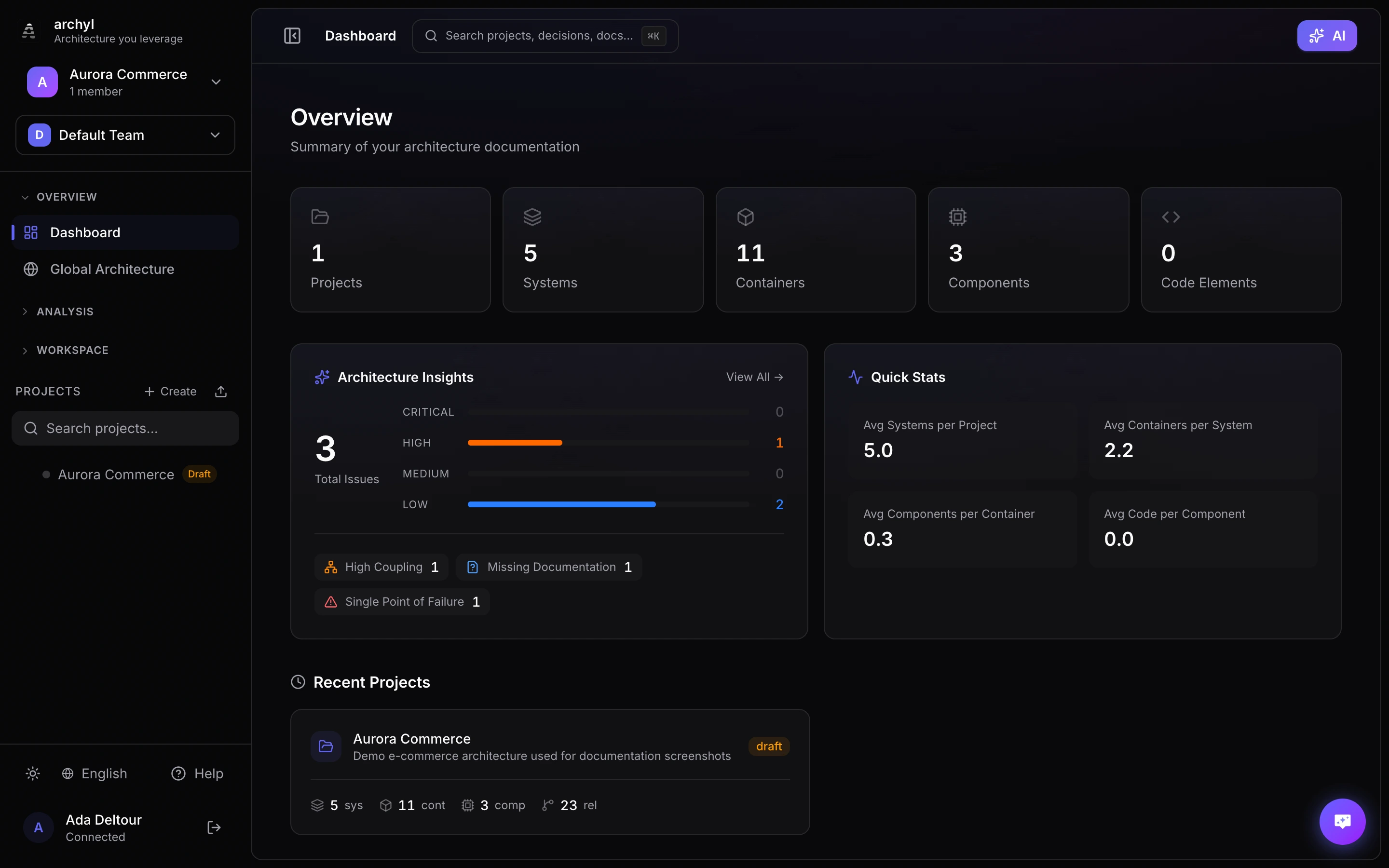
Once signed in, you land on the dashboard — your command center for every project:
Step 2: Create Your First Project
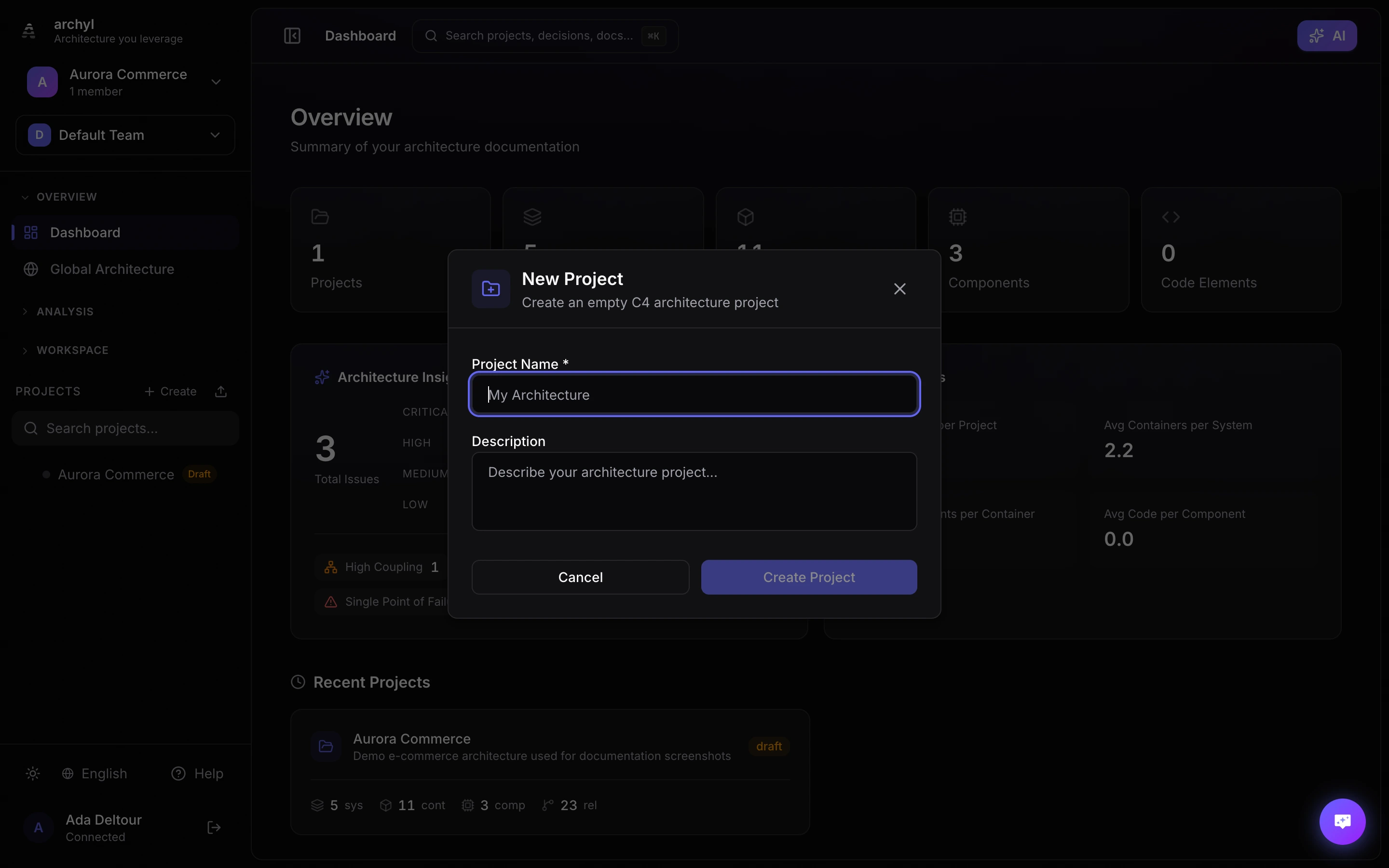
- Click "New Project" on your dashboard
- Enter a name for your project (e.g., "My E-commerce Platform")
- Optionally add a description and tags
- Click "Create Project"
Step 3: Add Your First System
- In your new project, you'll start at the System Context level
- Click the "+" button or right-click on the canvas
- Select "Add System"
- Enter a name (e.g., "E-commerce Platform")
- Add a description of what the system does
Step 4: Add External Systems
Real systems don't exist in isolation. Add external systems your software interacts with:
- Click "+" and select "Add External System"
- Add systems like "Payment Gateway", "Email Service", "CDN"
- These will appear with a different style to show they're external
Step 5: Create Relationships
Show how systems communicate:
- Click on the source system
- Drag from the connection point to the target system
- Add a label describing the relationship (e.g., "Processes payments via API")
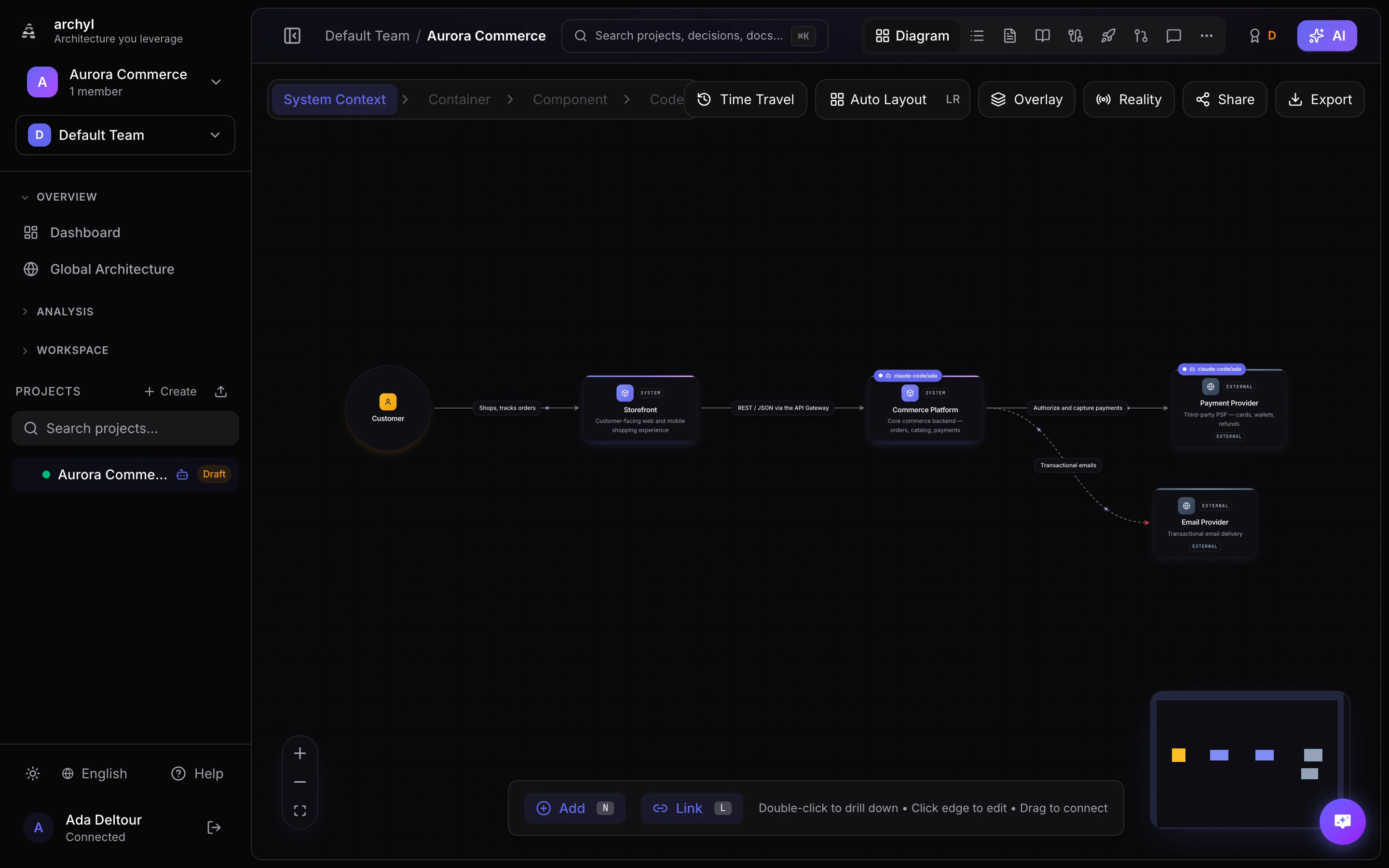
Here is a complete System Context view — people, systems and external providers connected with labeled relationships:
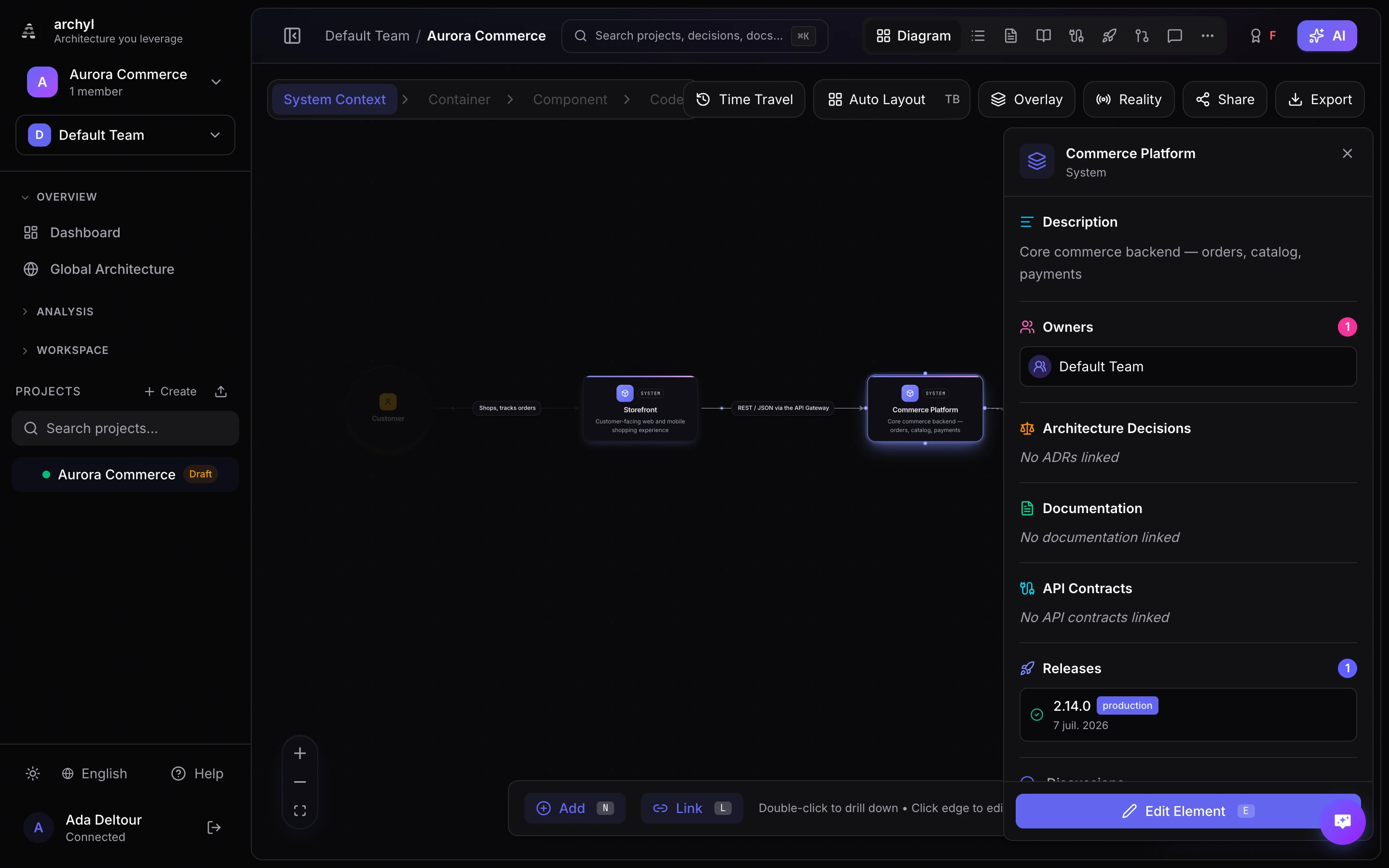
Click any element to open its details — description, owners, linked decisions, documentation and API contracts:
Step 6: Zoom Into Containers
Double-click on your main system to dive into the Container level:
- Add containers like "Web Application", "API Server", "Database"
- Show how they communicate with each other
- Connect them to external systems
Next Steps
Congratulations! You've created your first architecture diagram. Here's what to explore next:
- Connect a Repository - Let AI discover your architecture automatically
- AI Discovery - Learn how AI analyzes your codebase
- Team Collaboration - Invite your team members
- Export & Share - Share your diagrams with stakeholders
Tips for Success
- Start high-level: Begin with System Context before diving into details
- Use clear names: Name systems and containers descriptively
- Add descriptions: Future you (and your team) will thank you
- Iterate: Architecture documentation is a living thing - update it as your system evolves