Core Concepts
This page explains the key concepts you'll encounter when using Archyl.
Projects
A Project is the top-level container for your architecture documentation. Each project represents a software system or product you want to document.
Projects contain:
- Architecture diagrams (Systems, Containers, Components, Code)
- Relationships between elements
- Documentation and ADRs
- User flows
- Settings and team access
Elements
Elements are the building blocks of your architecture diagrams:
Systems
A System represents a software system - the highest level of abstraction. In the C4 model, this is what you're documenting.
- Internal Systems: Systems you own and maintain
- External Systems: Third-party systems you interact with (APIs, SaaS products)
Containers
A Container is a separately deployable/runnable unit that executes code or stores data:
- Web applications
- Mobile apps
- API servers
- Databases
- Message queues
- File systems
Components
A Component is a grouping of related functionality within a container:
- Controllers
- Services
- Repositories
- Modules
Code Elements
Code represents the lowest level - actual code constructs:
- Classes
- Interfaces
- Functions
- Modules
Relationships
Relationships show how elements communicate or depend on each other. They include:
- A label describing the interaction (e.g., "Reads from", "Sends events to")
- Optional technology information (e.g., "REST/HTTPS", "gRPC", "AMQP")
- Direction showing the flow
Overlays
Overlays are visual groupings that help organize your diagrams without changing the underlying structure. Use them to:
- Group related elements
- Highlight specific areas
- Create visual boundaries
Levels
Archyl uses the C4 model's four levels of abstraction:
| Level | Shows | Audience |
|---|---|---|
| System Context | Your system in its environment | Everyone |
| Container | High-level technical building blocks | Technical people |
| Component | Component structure within containers | Developers |
| Code | Code-level details | Developers |
Organizations & Teams
Organizations
An Organization is your account's workspace. It contains:
- All your projects
- Team members
- Billing information
- Settings
Teams
Teams help organize access to projects:
- Group team members by department, project, or responsibility
- Control access to specific projects
- Manage permissions at the team level
Roles
Archyl has three roles:
| Role | Can View | Can Edit | Can Admin |
|---|---|---|---|
| Viewer | Yes | No | No |
| Editor | Yes | Yes | No |
| Admin | Yes | Yes | Yes |
AI Discovery
AI Discovery is the process of automatically analyzing your codebase to discover architecture elements. It:
- Connects to your Git repository
- Analyzes code structure and patterns
- Identifies systems, containers, and components
- Creates relationships between elements
- Generates documentation suggestions
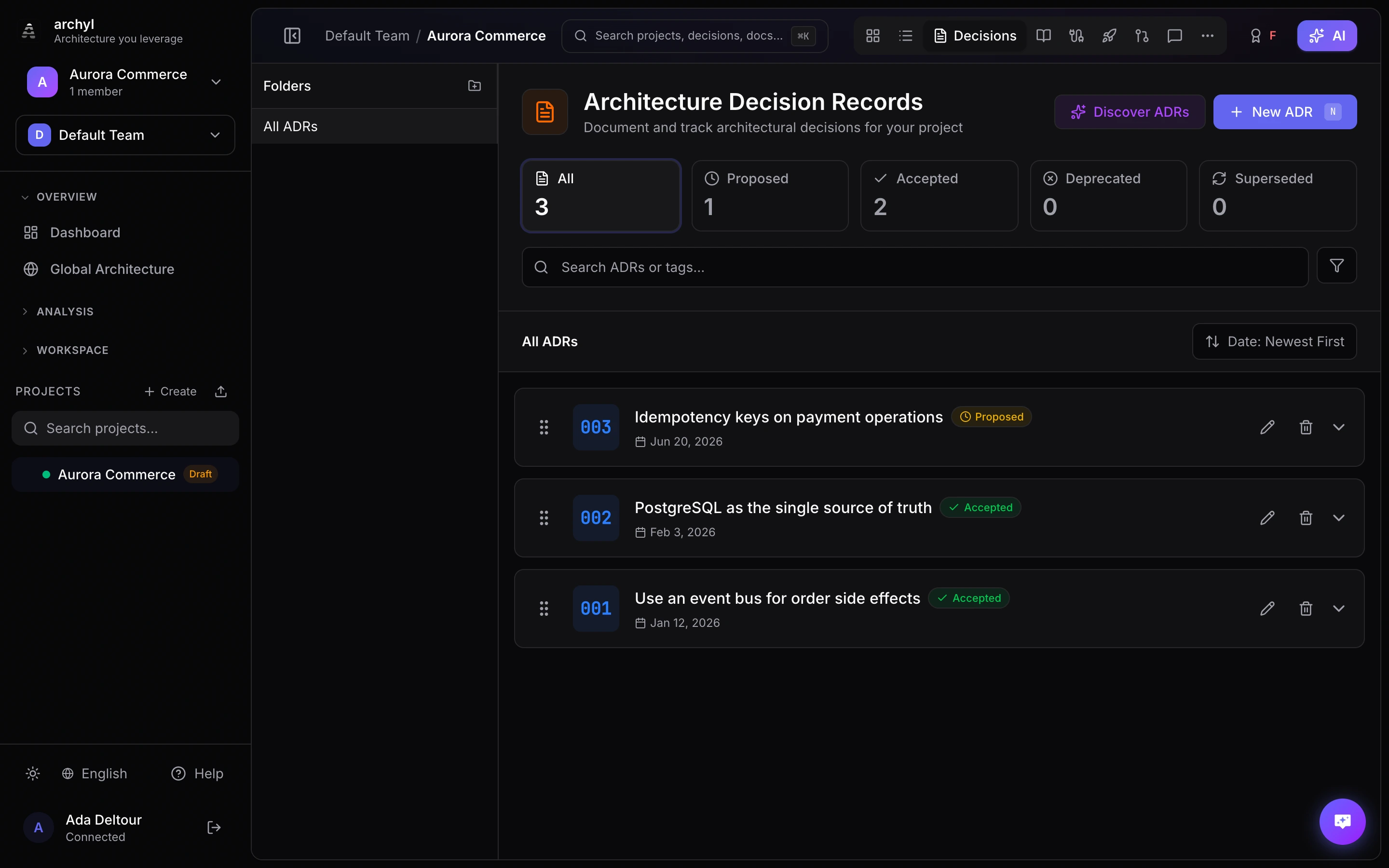
ADRs
Architecture Decision Records (ADRs) document important architecture decisions:
- What was decided
- Why it was decided
- What alternatives were considered
- What the consequences are
Flows
User Flows document how users or data move through your system:
- Step-by-step sequences
- Links to architecture elements
- Visual flow diagrams